Clinic Letter
Clinic letters can be sent electronically via the WCCG system. To receive and process a clinic letter:
- From Consultation Manager
 , select Summary - WCCG to log into the WCCG in the usual way.Remember - If you select a patient in Consultation Manageryou are initially offered their details within WCCG, if you have no patient selected in Consultation Manageryou can initially see messages for all patients within WCCG.
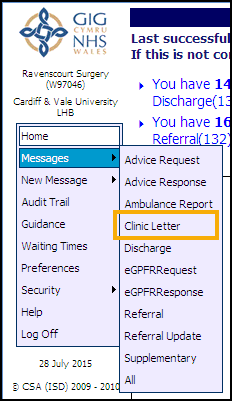
 - From the WCCG menu, select Messages - Clinic Letter:
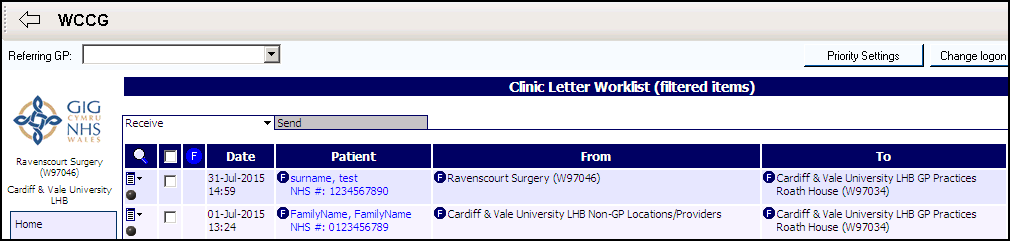
- The Clinic Letter Worklist displays, click on the Receive tab and select the message you require:
- Select the letter you require, and the details display:
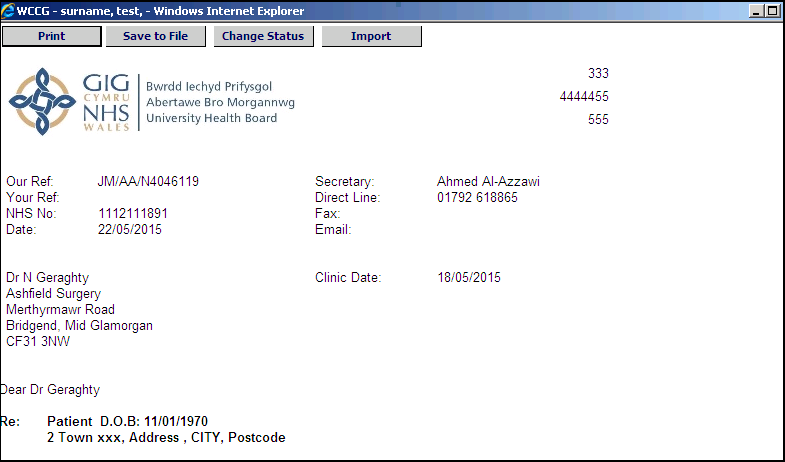
- Select Import
 to write back to the patient’s record.
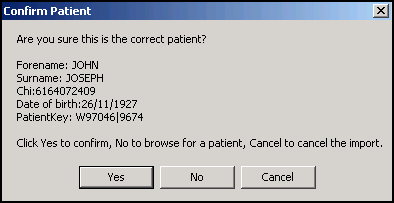
 - If you do not select a patient within Consultation Manager before accessing WCCG, the Confirm Patient Message displays, select:
- Yes to confirm,
- No to reselect a patient, or
- Cancel to cancel the import process:
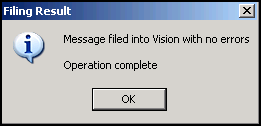
- The 'Message files into Vision with no errors, Operation complete' message displays, select OK.
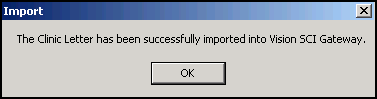
- The 'The Clinic Letter has been successfully imported into Vision SCI Gateway' message displays, select OK.
- Close the WCCG screen and you return to Consultation Manager.
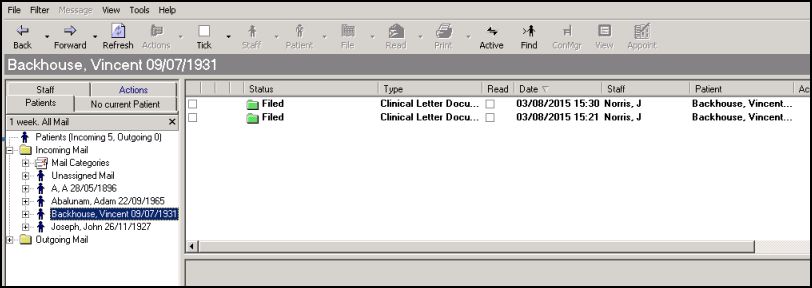
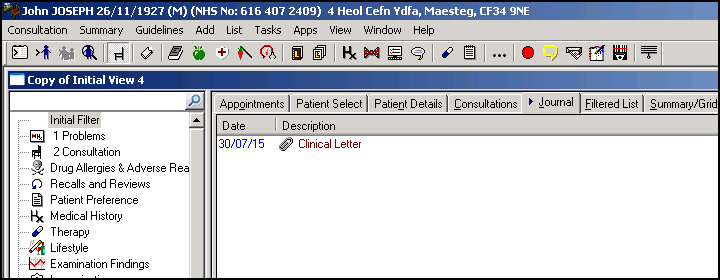
- The clinical letter now displays in Consultation Manager having been received and filed via Mail Manager: