
|
|
|
|
|


Removing the Currently Nominated Pharmacy
To remove a nominated pharmacy in Vision:
- Go to Consultation Manger – Patient Details – Preferences.
- From the EPS Nominated Dispensers section, select the required contractor and click the Change button.
- To remove the currently nominated pharmacy without selecting a replacement, click on <No Selection> - Select.
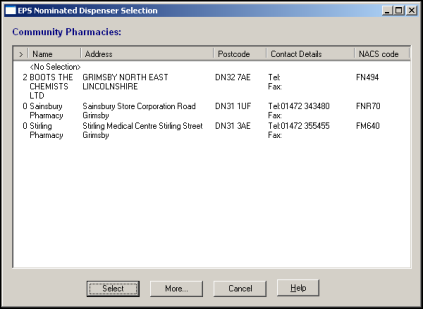
- The EPS Nominated Dispensers section in Patient Details – Preferences now displays <no selection> for community pharmacy nomination.

