|
|
|
|
|


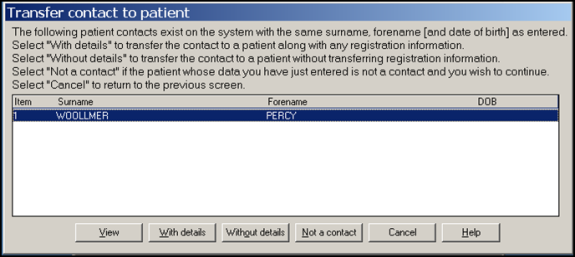
Transfer Contact to a patient
After finding a patient on the PDS system, Vision checks to see if the patient has been previously added to the Vision system as a patient. Vision also checks if the patient has been recorded as a contact and give you the option of transferring their information to the Registration screen. You have the following options:
- View – allows you to look at the contact details before making a decision.
- With Details – transfers the contact to a patient along with any registration information.
- Without Details – transfers the contact to a patient without any registration information.
- Not a Contact – to continue and ignore the contact.
- Cancel – To return to the previous screen.