
Working Offline
Vision can be used offline without Single Sign On if you do not have full Role Based Access (RBAC) enabled.
However, offline working is discouraged as it is advantageous for all staff to be using the same methods at all times. Offline working could cause inconsistencies in registration procedures and opportunities to update the Personal Demographic Service (PDS) could be missed by those offline.
Offline Working allows clinical data to be viewed or recorded but does not give any access to national applications. In particular, users are not able to make electronic bookings through the e-Referral Service and changes made to the patient demographic details are not passed to or retrieved from the spine. You are strongly encouraged to work online at all times as this aids familiarity and increases consistency of use.
- To use Vision offline, double click on the Vision icon
 . This produces a prompt to enter a Smartcard.
 - Select Cancel to this prompt.
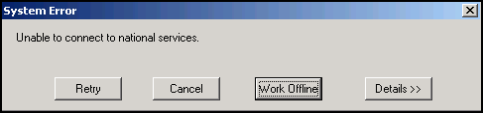
- A System Error message is now displayed, select Work Offline. In the event of failure of the connection to the national network, the following form appears with the same set of choices - this is warning you that any changes to a patient's registration details are not conveyed to the national services and are therefore lost. You cannot use the e-Referral Service or ETP (electronic transmission of prescriptions) when offline:
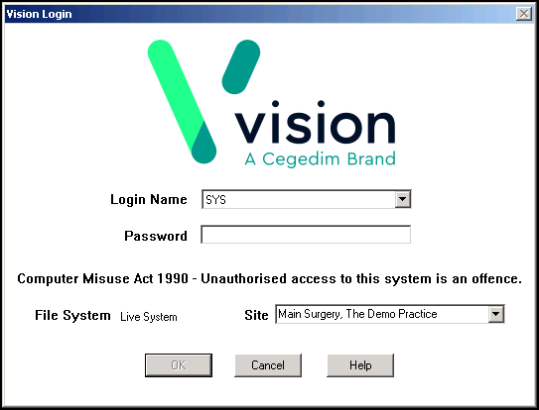
- The Vision Login screen is displayed for you to enter your user name and password.
 Note - When working offline patients records are displayed with the annotation (OFFLINE) after the patient's name on the title bar.

