|
|
Display Changes
If you click on  to the right of tree view on the blue header line, the screen display changes and hides the tree view:
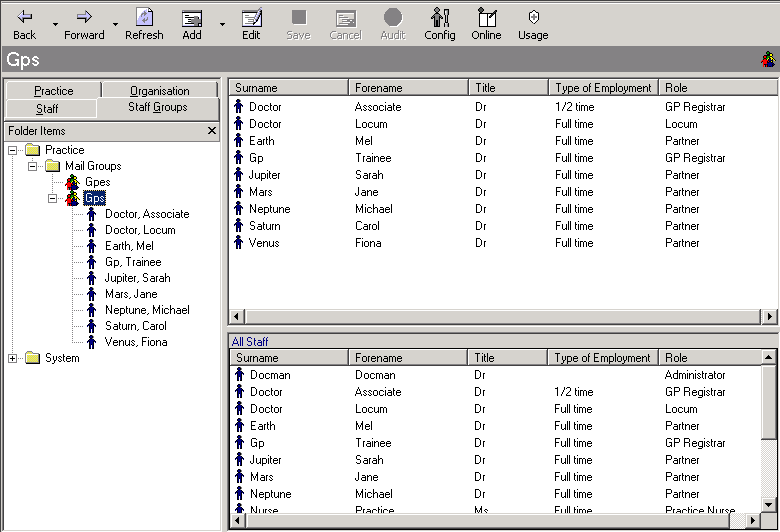
Control Panel - File Maintenance - Staff Groups
If you then click on the downward pointing white arrow to the right of the title on the blue header line  , the displays changes yet again, restoring the left-hand tree view in an overlying pane:
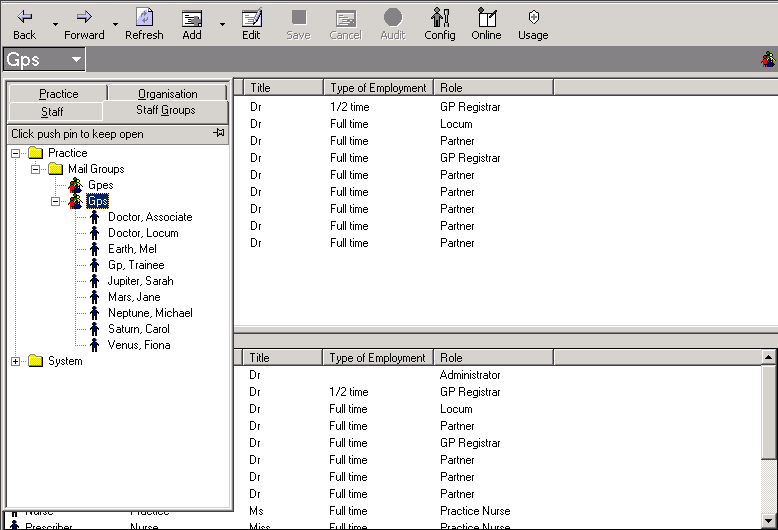
If you click on the push pin  , the display changes again and restores the tree view to the left-hand pane.

