|
|
|
|
|


Viewing Unacknowledged Acceptances
To view Unacknowledged Acceptances:
- From Registration Links
 , select Transactions Management
  .
. - Select Unacknowledged Acceptances and select Process.
- Highlight the Acceptance required and select View.
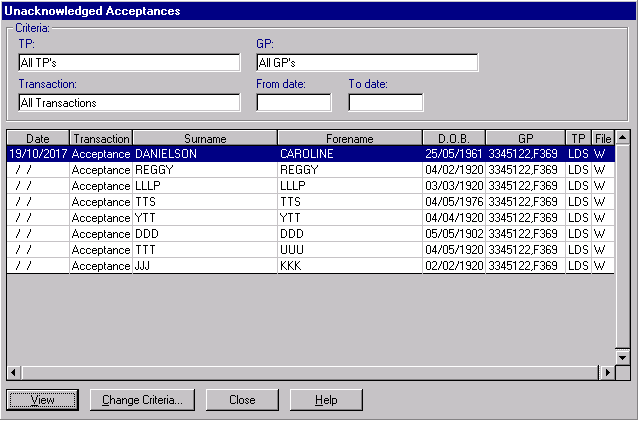
- The Unacknowledged Acceptance Transaction screen displays, select More.
- The Acceptance - Further Details screen displays:
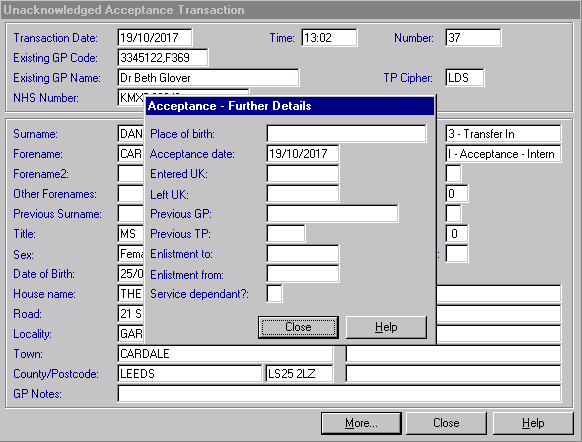
- Select Close to exit.
 Note - A list of unacknowledged acceptances can be printed out from Reports
  .
.

