View Test Data
Test Data enables users of Pathway Developer to run test extracts prior to publishing to practices.
- From the main Dashboard, select the Reporting tile.
- Select Test Data from the top left, to filter the Pathways with test data.
- Select the Pathway to view the data.
The reporting data for the Pathway displays.
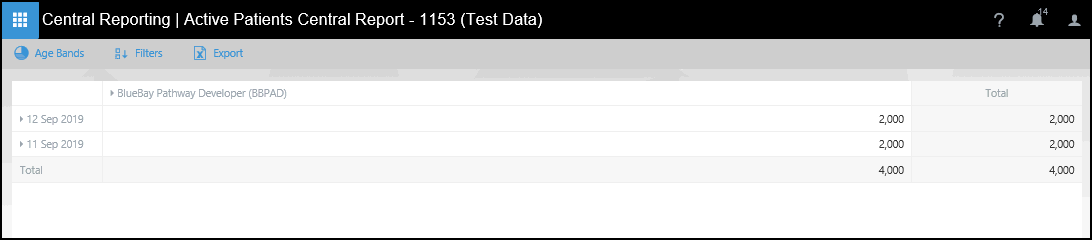
Messages appear at the base of the extract to display the current status of the data in the system

To create customised Dashboards, see the Getting started with Outcomes Manager Reporting section.