Delete Free Slot Search
- In the Book a new appointment section of the Patient's Appointments, Special Booking or Clipboard view, click the arrow on the Find Slots
 button to view the dropdown list.
 - Click the Search Setup
 button at the bottom of the list.
The Free Slot Search Setup screen displays. - Select the organisation from the Organisation dropdown on the top left.
All free slot searches for the selected organisation display.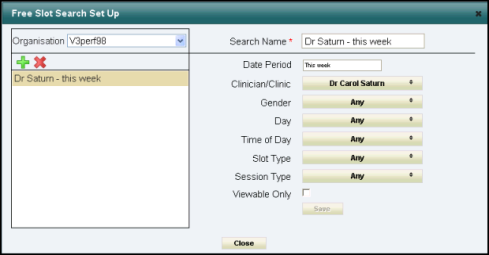
- Click to highlight the free slot search you want to delete.
- Click the Delete
 button.
 - Select Yes to confirm deletion.
- Click Close to finish.
The deleted search is removed from the Find Slots dropdown in all the views.
See - Edit Free Slot Search and Creating a Free Slot Search.