Adding an Encounter
To add an Encounter:
- Open a patient record, see Selecting a Patient for details.
- From the Patient Summary screen, select New Encounter
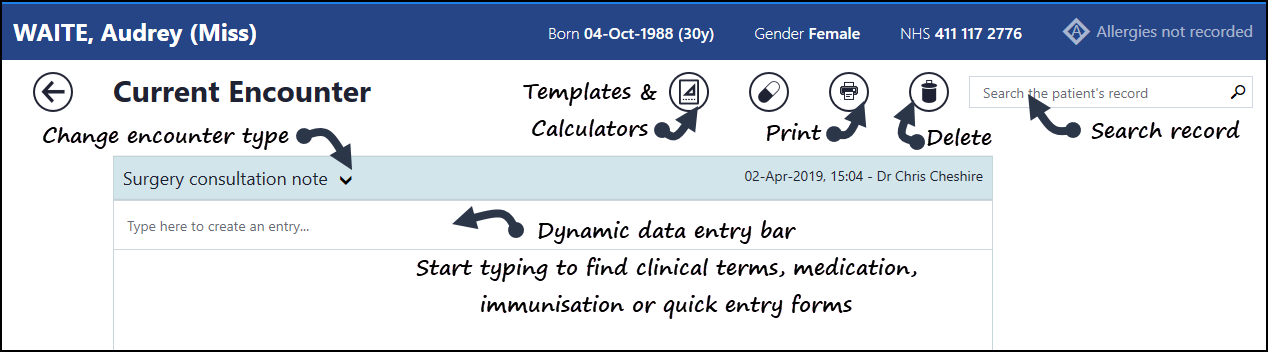
 and the Current Encounter screen displays.
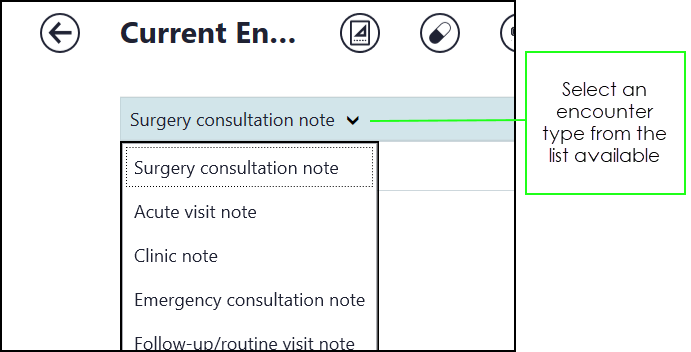
 - If required, select an encounter type from the list available, the default isSurgery consultation note:
- You can now record your consultation, see Adding Clinical Data for details.
- Select Close this Encounter
 to finish and send the details back to the practice system.
See Search the Patient's Record for details.

