Patient Demographics
Patient Demographic information can be accessed from:
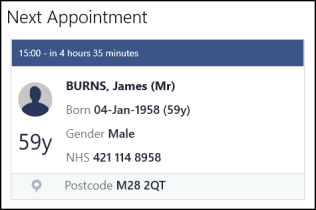
Next Appointment
The Next Appointment tile:
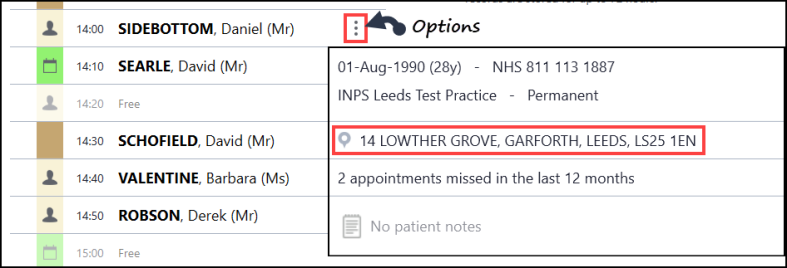
Appointments List
The Appointments list select Options  .
.
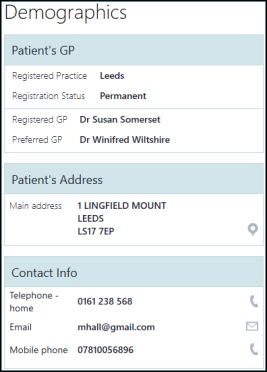
Patient Summary
The Patient Summary screen, scroll across to the bottom of the screen.
Searching for a Patient
The Patient Search result tile. Right click on a patient and select Show Patient Contact Details from the pop up toolbar.


