Deleting a Saved Report
Reports are automatically saved in the Last Run option. Any reports that have been downloaded via Download Web Files then subsequently removed from Download Web Files can be deleted.
To delete saved reports:
- From Practice Reports, select Last Run.

- Select Delete unused lists
 .
. - The saved reports are listed. Select the box alongside the report you want to delete.
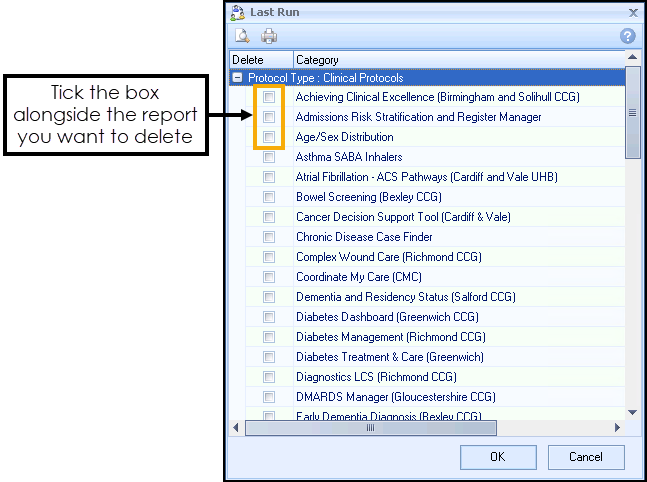
- Select OK to delete the report.
Note - To print this topic select Print  in the top right corner and follow the on-screen prompts.
in the top right corner and follow the on-screen prompts.