Login Menu
From the Login menu, you can:
- Display all users currently logged in, see Show Users for details.
- Change the user logged, see Change User for details.
Note - Change User is not available once Enhanced Security is enabled
- Change Password, see Changing Your Password for details.
From the Vision 3 Front Screen:
Show Users
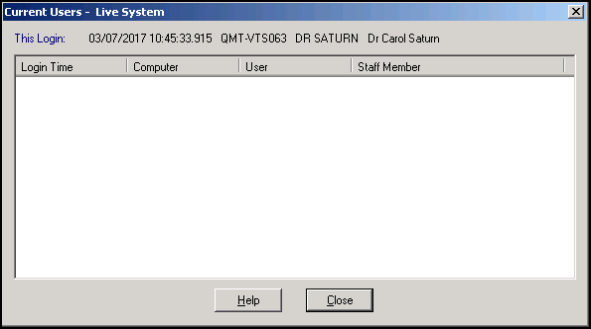
From the Vision 3 Front Screen, select Login - Show Users.
The Current Users screen displays, showing a list of current users, where and when they logged on:
Change Users
Note - Change User is not available once Enhanced Security is enabled.
If someone is already logged on to Vision 3, and you want to log on yourself at that terminal, you can use Change Users:
- From the Vision 3 Front Screen, select Login - Change Users.
- Select the new user.
- Select OK.
Note - To change the site you are logging into, you need to exit Vision 3and log in again.
Note - To print this topic select Print  in the top right corner and follow the on-screen prompts.
in the top right corner and follow the on-screen prompts.
