SCR Reporter
SCR Reporter reports on updates to the NHS Spine, these may be sent from Consultation Manager as new data is added to the patient’s record or when running the GP Summary Bulk Transmissions. This enables you to search for success and failure information following processing of uploads or general Summary Care Record (SCR) use.
To access SCR Reporter:
-
From the Vision 3 front screen, select SCR - Other Reports
 .
. -
The SCR Reporter screen displays:
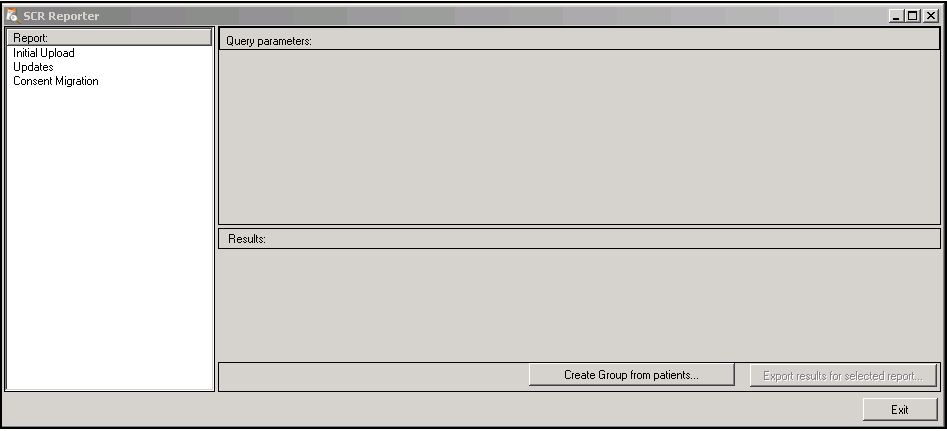
Using SCR Reporter, you can produce reports for the following categories:
- Initial Upload - Reports on the Initial Upload, see SCR Initial Upload Report for details.
- Updates - Reports on updates to the SCR from Consultation Manager and the following upload processes:
- Bulk Update
- Bulk Deregistration
- Practice No Longer Contributing to SCRSee SCR Updates Report for details.
- Consent Migration - Reports on the Consent Migration process, see SCR Consent Migration Report for details.
-
Select Exit to close.
Note - To print this topic select Print  in the top right corner and follow the on-screen prompts.
in the top right corner and follow the on-screen prompts.
