Reviewing Missing Data Items
It is important to review and assess the data awaiting transfer into Vision 3 before activating the SCI-DC Back Population Data Feed. This consists of data that the SCI-DC Network believes not to be on your Vision 3 system. Although any anomalies in messages can be rejected within Vision 3, this is the easiest way to raise issues for review. To review and assess the data awaiting transfer:
- From the SCI DC Main Screen select the GMS Contract link.
- Select Data Not Held on Practice System to display the data that could be transmitted.
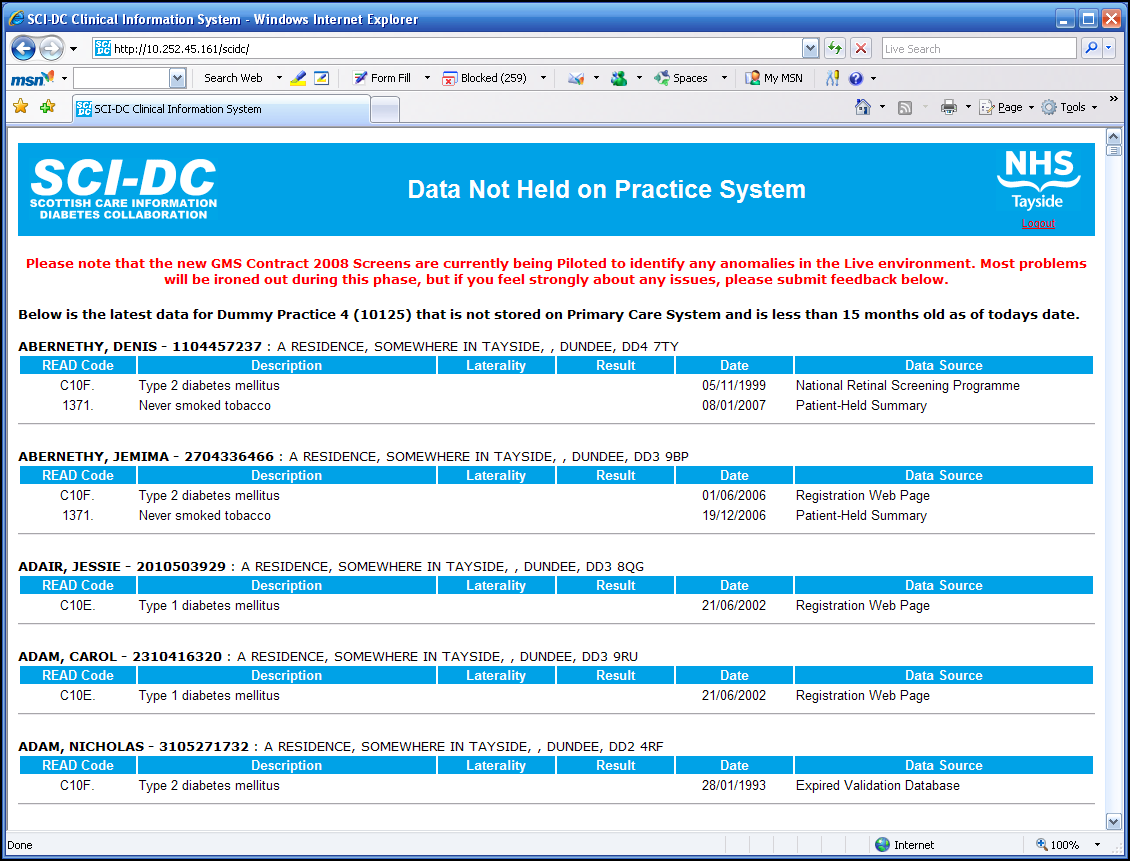
This data is limited to items relevant to the GMS contract that are currently held on the SCI-DC. The full SCI-DC data set is not transferred.

