Automatic Download
When you sign into Vision Anywhere, with an active internet connection, patients with an appointment within the last 7 days and the next 7 days for the selected appointment book, automatically download.
The three dots next to a patient name indicates that the record is stored for offline use:

In the event of connectivity issues, select the patient's name as normal to open the record.
When you close an encounter, if you are still offline, you can set a warning to display to indicate that the encounter cannot be uploaded.
The Patient Summary screen also displays a message that the Encounter is waiting to upload:

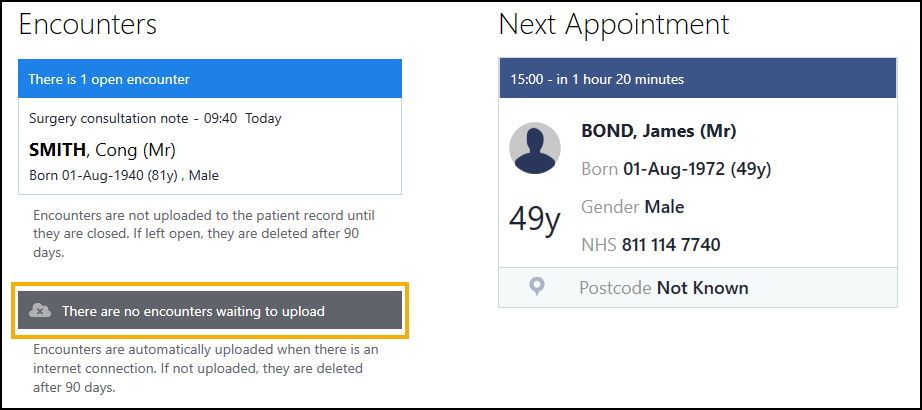
The Home screen indicates records waiting to be uploaded:
 in the top right corner and follow the on-screen prompts.