|
|
|
|
|


Working Offline to Single Sign On
You can login with your Smartcard from within a Vision Offline session:
- Put your Smartcard in the reader and enter your Passcode
- From the Vision front screen, select Login – Enable National Services (if you have not entered your Smartcard you are prompted to do so).
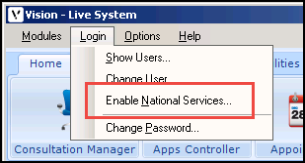
- You are prompted to enter your Smartcard passcode and select your session role if applicable.
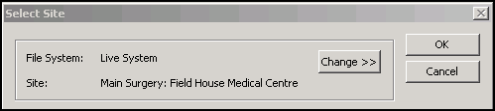
- If you have a branch surgery, you are now prompted to select your site. Select change to select another location:
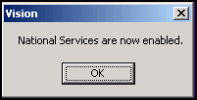
- On successful sign in, you are prompted that "national services are now enabled". Click OK to continue.